CAPTURE & PROCESS
Set the scope early.
Choose equipment, control, coverage and output formats before collecting data. Keep original capture files alongside the working revisions.
Explore the technical workflow ↗3D scanning, reverse engineering and digital delivery for the work you need to finish. GO3D helps you capture the right data, create usable files and move your project forward.
Define the result
Agree on scale, formats and acceptance before capture.
Review in context
Inspect the right revision before downloading a large package.
Deliver with confidence
Carry checks, previews and clear instructions into the handoff.
Central & South Florida · Available for travel · Speak directly with Eddie Oliveras
A clear route from the first conversation to a useful delivery keeps decisions and next steps in view.
Agree on the object, location, scale, intended use and receiving software. Set the expected formats and acceptance checks before capture.
Scope + acceptance criteriaChoose coverage, control and capture method. Process the data into the agreed point cloud, mesh, CAD, BIM or visual output.
Source data + working revisionCheck the agreed requirements, present the right revision with notes and previews, then organize the files and instructions for handoff.
Review record + delivery packageOpen a model from your device. Inspect, save a view and record your notes. Your file stays local. Need help creating the model? Discuss your project ↗
 YOUR FILE · YOUR DEVICE
No public scan is loaded yet. Choose a mesh, point cloud or CAD file. Fit, zoom, standard views and image export become available after it opens.
For Tesla references, open the creator files from the Roadster & Model 3 Performance portfolio ↗.
· Photos are rejected by the model reader.
Have a photo? Design a print or plaque · Create a raised photo tile
Meshes: STL, OBJ. Point clouds: PLY, PCD, XYZ, PTS and XYZ-column CSV. CAD: STEP/STP, IGES/IGS and BREP. CAD is converted to display triangles, not editable features. STEP/IGES previews use millimeters; other formats retain file units.
No fixed file-size cap. Device memory still limits what can open. Large files work best on desktop. XYZ/PTS/CSV read in chunks with up to one million preview points; PLY/PCD load into memory before sampling. Meshes and CAD load into memory. Cancel loading at any time.
Export SolidWorks, Rhino and other native CAD to STEP; export E57/LAS/LAZ to PLY or XYZ. OBJ previews show geometry and embedded vertex colors, not external MTL/textures. Files stay on your device. Reader credits.
Includes your notes, filename and preview geometry information when available. It does not certify dimensions, watertightness or engineering readiness.
Community reference models for exploring the car forms in 3D. These are third-party models, not Eddie’s vehicle or GO3D scans. The 2020 Roadster is an announced concept; these models do not represent a customer-delivered production car. GoEV wrap art is not mapped onto either model.
Model: Tesla Roadster 2020 by metarex.4d · CC Attribution.
Model: 2023 Tesla Model 3 Performance by DisneyCars · CC Attribution. Open the source pages to inspect creator downloads and terms. To use GO3D’s local viewer, download a supported model file from its creator and open it above.
Create a simple 3D relief from your photo, then tour Pic n Choose and the Creative Studio. Full avatars and capture projects start with a tailored brief.
GO3D brings its capture, CAD and digital delivery experience into a workflow built around the receiving team.
Choose equipment, control, coverage and output formats before collecting data. Keep original capture files alongside the working revisions.
Explore the technical workflow ↗Pair models with preview images, short videos, revision notes and the checks agreed for the job. Confirm compatibility with the receiving software.
Explore project delivery tools ↗Organize approved deliverables and instructions around a single project review point. Connect equipment, training and customer tools as the project requires.
Build your workflow with GO3D ↗Book the expertise, rent the equipment, or build the digital experience.
Parts, spaces and existing conditions—captured for your next decision.
Book a service ↗Professional scanning equipment with guidance for your workflow.
Find your scanner ↗Customer portals, project viewers and tools built around your operation.
Explore Digital Systems ↗Choose the service around your deliverable. We’ll match the capture method, level of detail and handoff to the job.
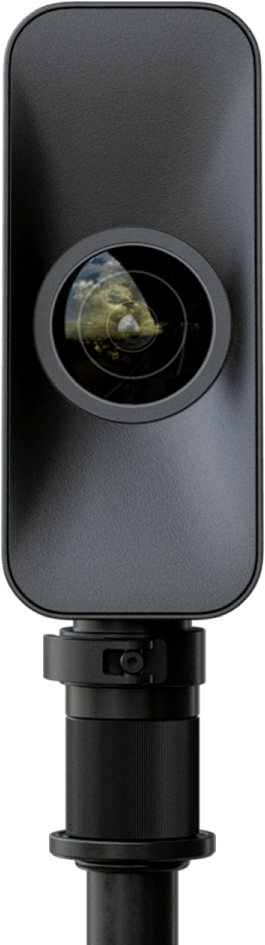
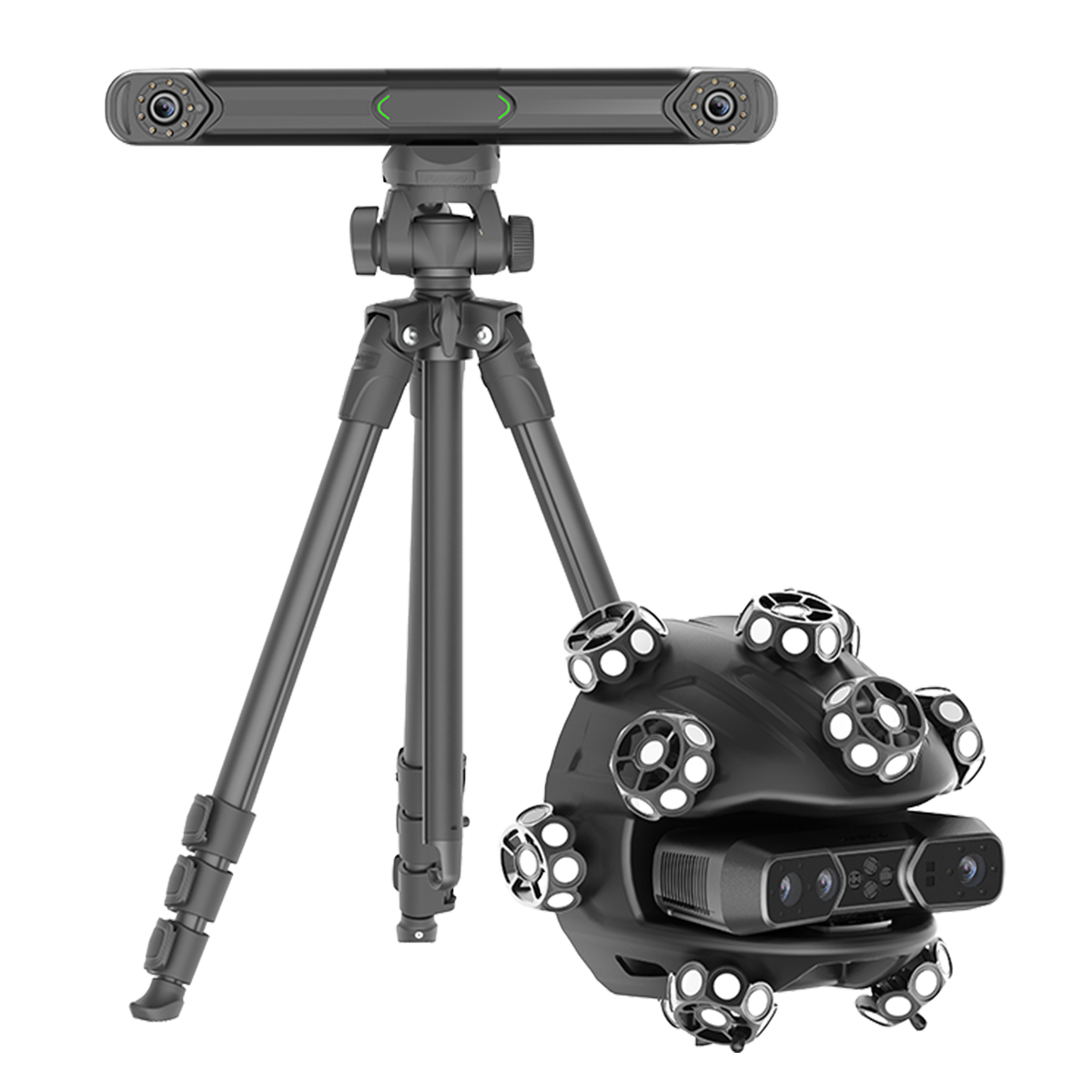
Wireless tracking and handheld scanning for reverse engineering, detailed objects and larger components.
Explore rental ↗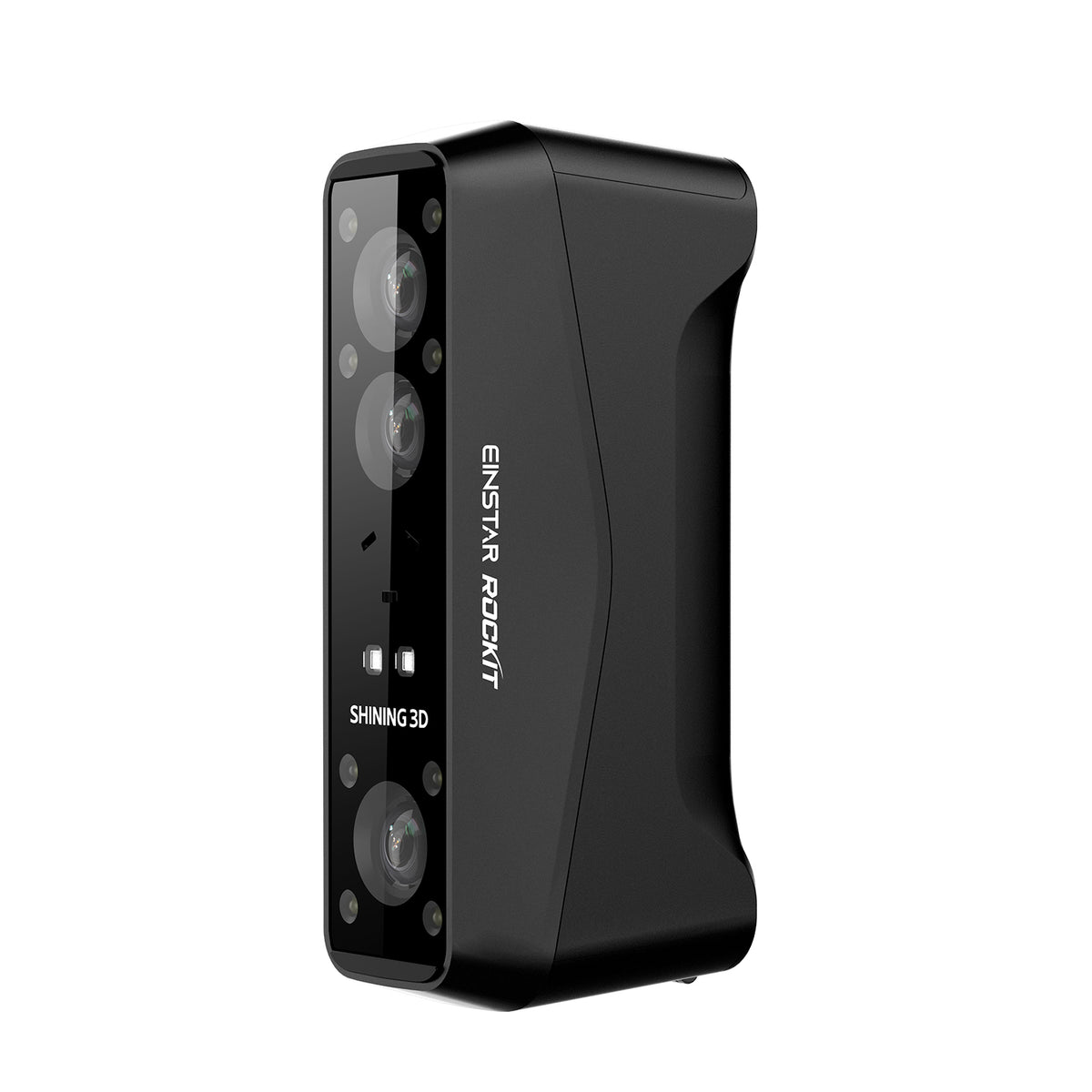
A portable handheld scanner for detailed objects, creative work and flexible capture on location.
Explore rental ↗LiDAR capture for immersive property tours, site documentation and digital twins of spaces.
Explore rental ↗Illustrative workflow · implementation scoped to your business
Bring equipment, customers and project delivery into a workflow you can understand and control.
Build your digital workflow ↗Interactive 3D, personal avatars, keepsakes and visual storytelling. Explore Pic n Choose and the Creative Studio.
Enter the studio ↗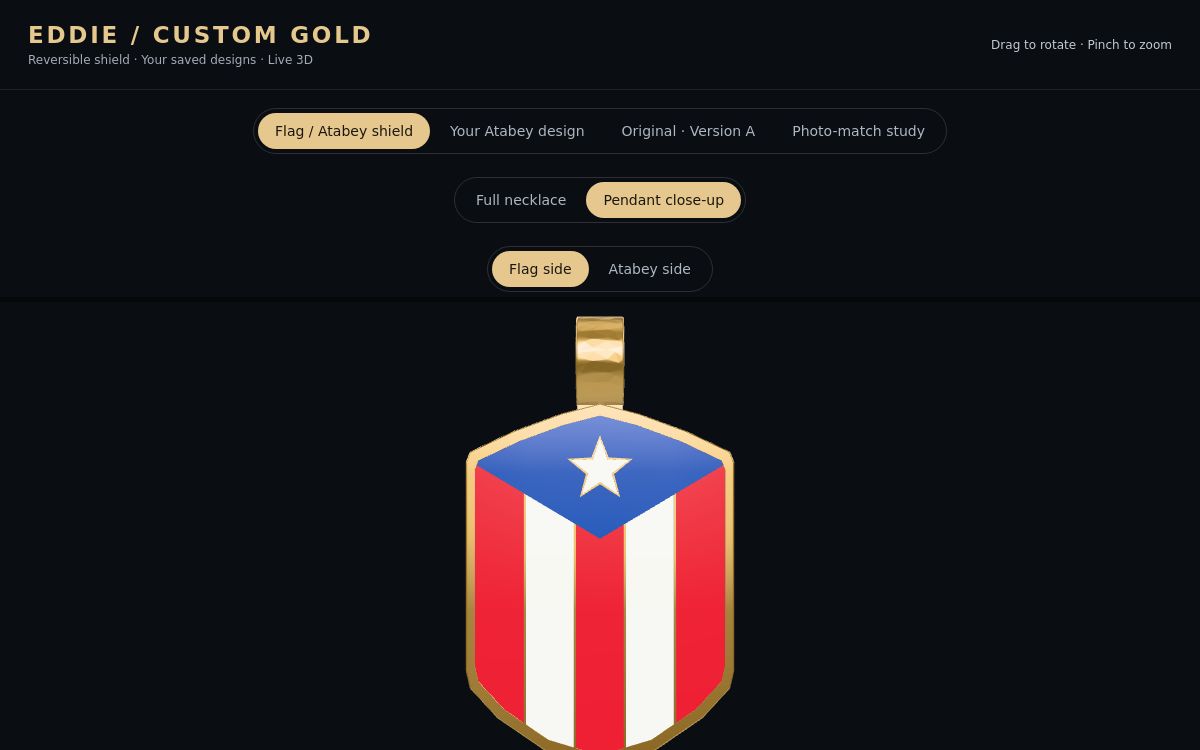
GO3D interactive project · King Julz necklace viewer
Decking, glass, helms, components and yacht presentation.
Explore the work ↗Existing conditions, adaptive reuse, interior and MEP coordination.
Explore the work ↗Progress records, fit-up planning and project handoff.
Explore the work ↗Remote tours for homes, rentals, commercial spaces and venues.
Explore the work ↗Dimensional inspection, legacy parts and production reference.
Explore the work ↗Vehicle geometry, replacement components and custom fabrication.
Explore the work ↗Capture, registration, processing, modeling and delivery—planned around the receiving team.
Measured geometry can become CAD reference, reverse-engineered models, fit-check data or inspection outputs.
Registered point clouds, as-built plans and navigable tours give teams a shared view of existing conditions.
A captured likeness can become a digital character, figurine or creative asset. Production and animation preparation are scoped to the result.
Start with the result you need. We’ll help choose the right next step.